

Dark mode
Show item names
Show unreleased content and items without recipe scrolls
Hide gifted items
Hide donated items
Hide revealed items
Hide obtained recipes
Hide obtained items
Hide obtained animals
Hide obtained perks
Show late game content
Minimize portraits
Disable tooltips
Minimize tooltips
Background stars
Given gifts
Donated items
Almanac


Powered by late night coding and Red Bull
Your support keeps both going
Have a suggestion or feedback?
Leave a comment!
HozBlic
Powered by late night coding and Red Bull
Your support keeps both going
Coding time:
For full list of changes, visit GitHub repo
Suggestions are always welcome, leave a comment for
tracker
or
planner


Coding time:
Confirm Changes
After saving page will be reloaded
Confirm data deletion
After deletion page will be reloaded
Layout Planner v1
Do you remember this sneak peek?
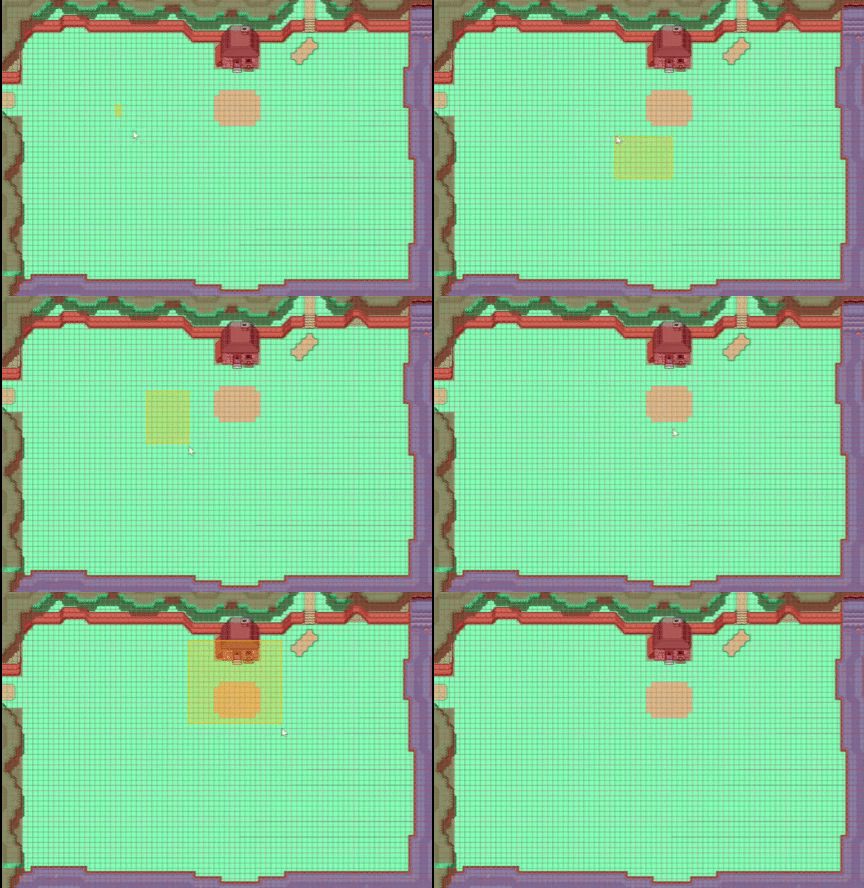 First version is finally done! Some things before you dive in:
First version is finally done! Some things before you dive in:
- Switch between Tracker and Planner next to the burger menu
- For now, only pc support (mobile is planned)
- As it is only the first version, there are some bugs.
- some are known to me - check out new Changelog section
- if your bug isn't there, feel free to reach out to me
- Feedback is always appreciated!!